

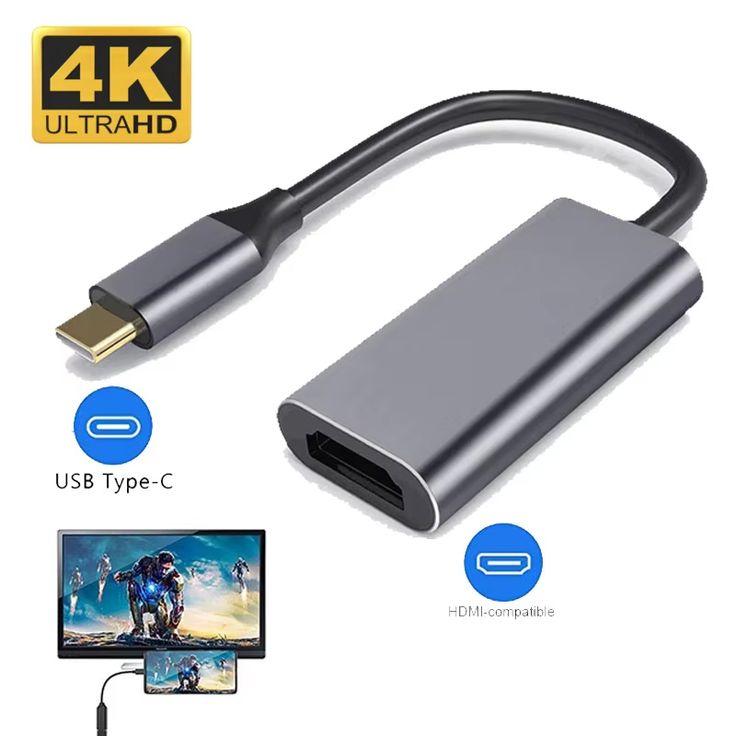
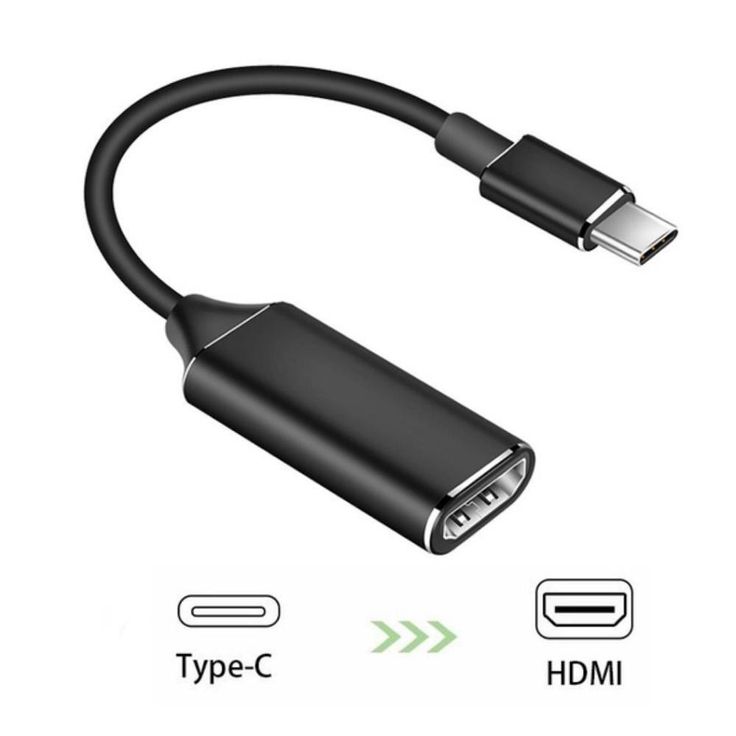
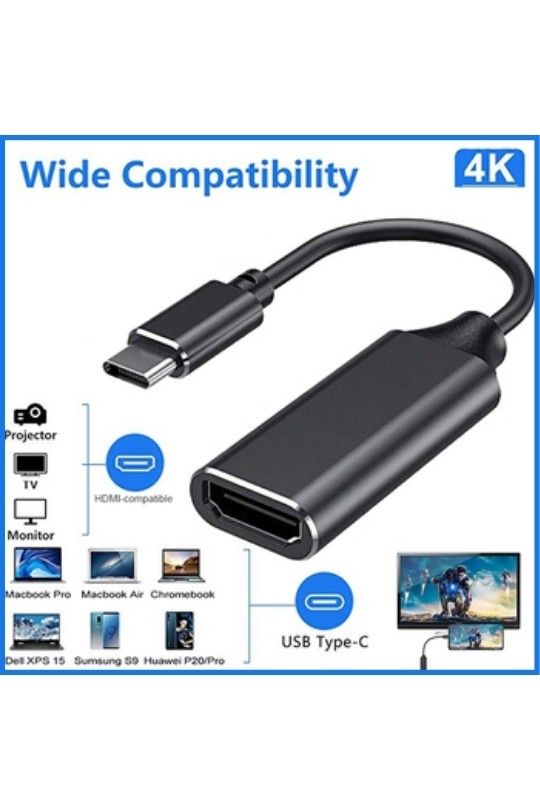
Type-C to HDMI converter
Original price was: ₦24,000.00.₦8,000.00Current price is: ₦8,000.00.
Extending your workspace with an additional monitor.
Description
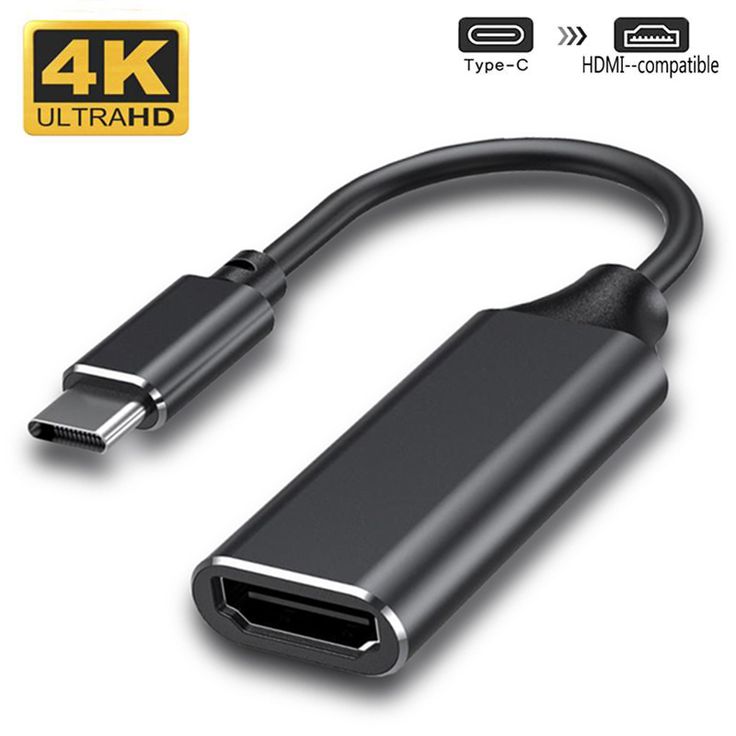
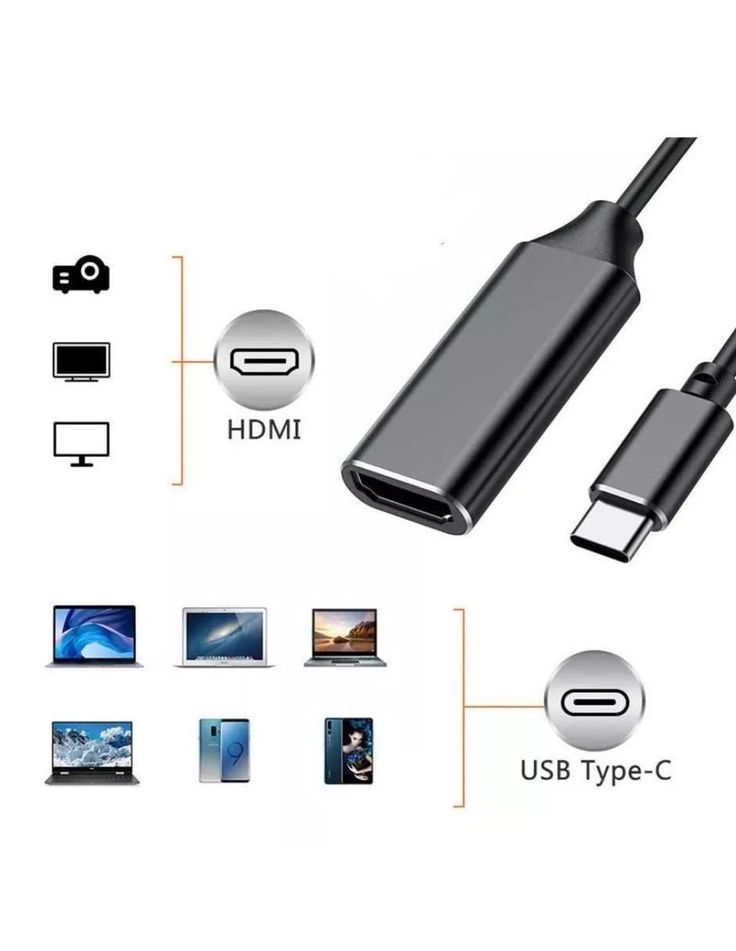
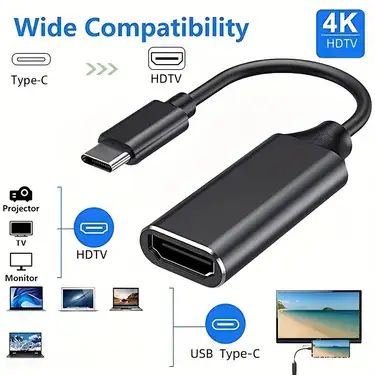
USB-C to HDMI converter (sometimes called a USB-C to HDMI adapter) is a small device that lets you connect a modern device with a USB-C port (like a laptop, smartphone, or tablet) to a TV, monitor, projector, or other HDMI display so you can show your screen on the bigger display.
📌 What It Does
Converts video and audio signals from your USB-C device into an HDMI output signal that most TVs and monitors understand.
Lets you mirror or extend your screen — useful for watching videos, giving presentations, gaming, or using an external monitor.
🧠 How It Works
Your USB-C port must support video output (often called DisplayPort Alternate Mode) — this isn’t available on all USB-C ports.
When connected, the converter takes the display signal from the USB-C port and outputs it through HDMI, usually at resolutions up to 1080p or 4K depending on the adapter and device.
Most converters are plug-and-play — you just connect the USB-C end to your device and an HDMI cable from the adapter to the display. No software drivers are typically needed.
📊 Typical Features
HDMI Output: Supports high-definition resolutions such as 4K at 30 Hz or 60 Hz (varies by model).
Audio Support: Sends both video and audio to the HDMI display.
Plug & Play: Works without extra software — just connect and go.
Compact & Portable: Small dongle or cable-style design, easy to carry.
Some models also include extra ports like USB-A for peripherals or a USB-C charging port so you can charge your device while using the adapter.
📌 What It’s Used For
Connecting a laptop to a TV for movies or presentations.
Using a phone or tablet with a larger monitor.
Extending your workspace with an additional monitor.
Related products
-
Hp 65W Adapter Charger
Original price was: ₦25,000.00.₦20,000.00Current price is: ₦20,000.00. -
Computer USB Gaming Mouse
Original price was: ₦15,000.00.₦11,000.00Current price is: ₦11,000.00. -
Wire 4k Content Microphone
Ideal For: Podcasting, live streaming, YouTube content, voice-overs, online classes, gaming communication, and studio recording. Original price was: ₦12,000.00.₦6,000.00Current price is: ₦6,000.00. -
Ps3 wireless controller pad
Original price was: ₦25,000.00.₦20,000.00Current price is: ₦20,000.00.




Reviews
There are no reviews yet.